
Starting a website can feel overwhelming for beginners, especially when choosing web hosting. The wrong hosting can cause slow speed, downtime, and technical frustration. This guide explains the best web hosting for beginners, what truly matters, and which options are reliable, affordable, and easy to use—so you can start confidently without technical headaches.
What Is Web Hosting and Why Beginners Must Choose Carefully
Web hosting is the service that stores your website files and makes them accessible on the internet. For beginners, hosting is not just about price—it’s about simplicity, reliability, and support.
A beginner-friendly hosting provider should offer:
- Easy dashboard (no technical complexity)
- Affordable plans with clear pricing
- Good speed and uptime
- Reliable customer support
- One-click WordPress installation
Choosing the wrong host often leads to slow websites, frequent errors, and wasted time fixing issues instead of building content.
Best Web Hosting for Beginners: What to Look For (Important)
Before selecting any hosting provider, beginners should focus on these essentials:
1. Ease of Use
You should be able to manage your website without coding knowledge. A clean control panel and one-click setup are critical.
2. Affordable Pricing
Beginners don’t need expensive servers. Budget-friendly plans with essential features are ideal.
3. Website Speed
Fast loading improves user experience and SEO. Even beginner sites must load quickly.
4. Reliable Support
When something breaks, live chat or quick support can save hours of frustration.
5. WordPress Compatibility
Since WordPress powers most beginner websites, hosting must be optimized for it.
Best Web Hosting for Beginners (Top Recommendations)
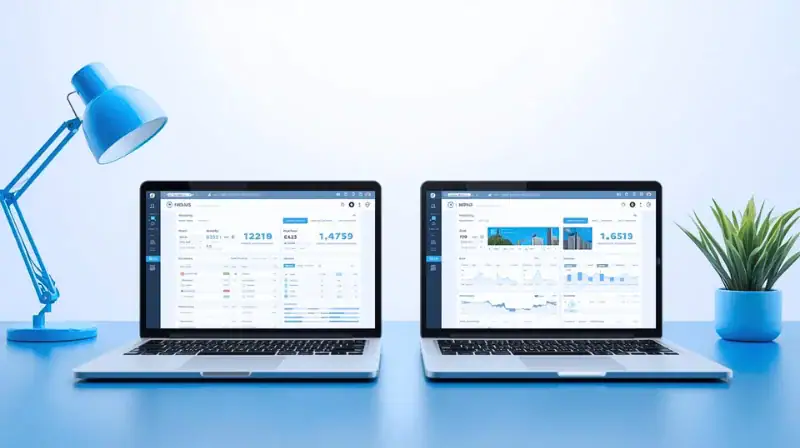
1. Hostinger – Best Overall Hosting for Beginners
Hostinger is one of the most beginner-friendly and affordable hosting providers available today. It balances price, performance, and simplicity extremely well.
Why Hostinger Is Ideal for Beginners
- Very low starting cost
- Clean and easy custom dashboard
- One-click WordPress installation
- Free SSL certificate
- Free domain (with annual plans)
- Fast servers with good uptime
Pros
- Affordable even for tight budgets
- Easy to use for non-technical users
- Strong performance for the price
Cons
- No phone support (chat only)
- Renewal prices are higher than intro offers
Recommended for beginners starting their first website: Get Hostinger Here
2. Bluehost – Beginner-Friendly with Official WordPress Support
Bluehost is officially recommended by WordPress and widely used by beginners.
Pros
- Easy WordPress setup
- Free domain for the first year
- Good beginner documentation
Cons
- Higher renewal prices
- Average speed compared to newer hosts
Best for users who want a WordPress-endorsed option and don’t mind paying more later.
3. SiteGround – Reliable but Costly for Beginners
SiteGround offers excellent support and performance but is less budget-friendly.
Pros
- Excellent customer support
- Strong security features
Cons
- Higher pricing
- Limited storage on basic plans
Better suited for users who value support over price.
Cheap Web Hosting for Beginners: Is Low Cost Safe?
Cheap hosting can be risky if performance and support are poor. However, affordable does not always mean low quality.
A good beginner host should be:
- Cheap initially
- Transparent about renewals
- Stable and secure
Hostinger stands out here because it keeps costs low without sacrificing performance, making it ideal for new website owners.
Best WordPress Hosting for Beginners (Simple Setup)
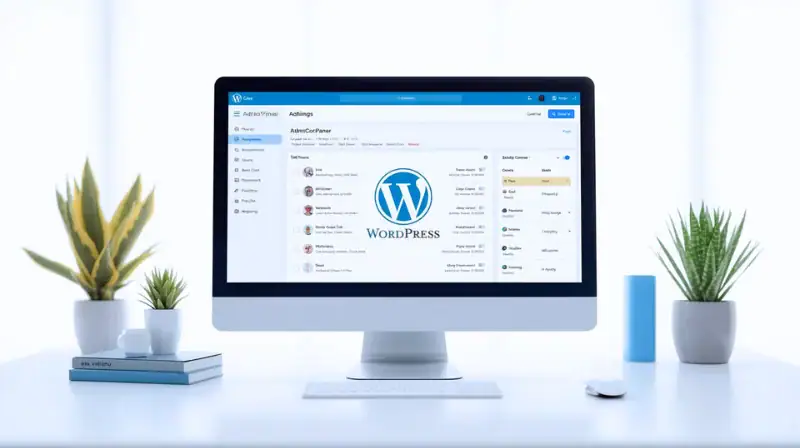
For beginners using WordPress, hosting must support:
- One-click WordPress install
- Automatic updates
- Compatible caching
- Secure environment
Hostinger and Bluehost both meet these requirements, but Hostinger offers better pricing flexibility for beginners.
Common Mistakes Beginners Make When Choosing Hosting
Avoid these frequent beginner mistakes:
- Choosing hosting only because it’s cheap
- Ignoring renewal pricing
- Picking advanced hosting plans unnecessarily
- Overlooking customer support quality
- Using unreliable free hosting
Starting with a reliable beginner host prevents future migration issues.
Real-World Use Case: Starting a Blog or Small Website
If you’re launching:
- A personal blog
- A niche website
- A portfolio
- A small business site
You don’t need VPS or cloud servers. A solid shared hosting plan from a beginner-friendly provider is more than enough to start and grow.
Best Practices for Beginners After Buying Hosting
Once hosting is purchased:
- Install WordPress immediately
- Use a lightweight theme
- Enable SSL
- Keep plugins minimal
- Focus on content, not tools
These steps ensure better performance and fewer issues.
Final Recommendation: Best Web Hosting for Beginners
For beginners who want:
- Low cost
- Easy setup
- Reliable performance
- Strong WordPress support
Hostinger is the best overall choice for starting a website confidently without technical stress.
Start with Hostinger: https://hostinger.com?REFERRALCODE=SMARTSOLS
It offers the best balance of simplicity, affordability, and performance for beginners.
Next read: What to learn first for online earning