
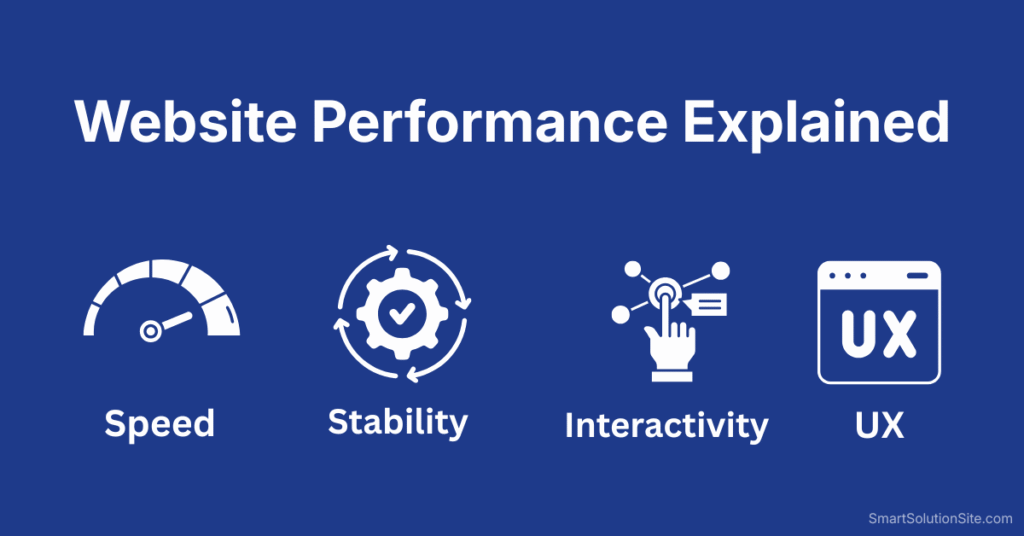
Website performance is not just about speed. It is about how efficiently your website loads, responds, and behaves for real users across real devices and networks.
A fast-looking site that frustrates users, shifts layouts, or delays interaction is still a poor-performing website.
In this guide, you’ll get a clear, practical, and technical explanation of website performance — without fluff, myths, or outdated advice.
Website Speed Optimization – Complete Practical Guide
What is Website Performance?
Website performance refers to how quickly and smoothly a website:
- Loads its content
- Responds to user actions
- Renders visuals without instability
- Works across devices and connection speeds
In simple terms:
Website performance = speed + stability + responsiveness + efficiency
Google, users, and conversion metrics all measure performance — not just load time.
Website Performance vs Website Speed (Important Difference)
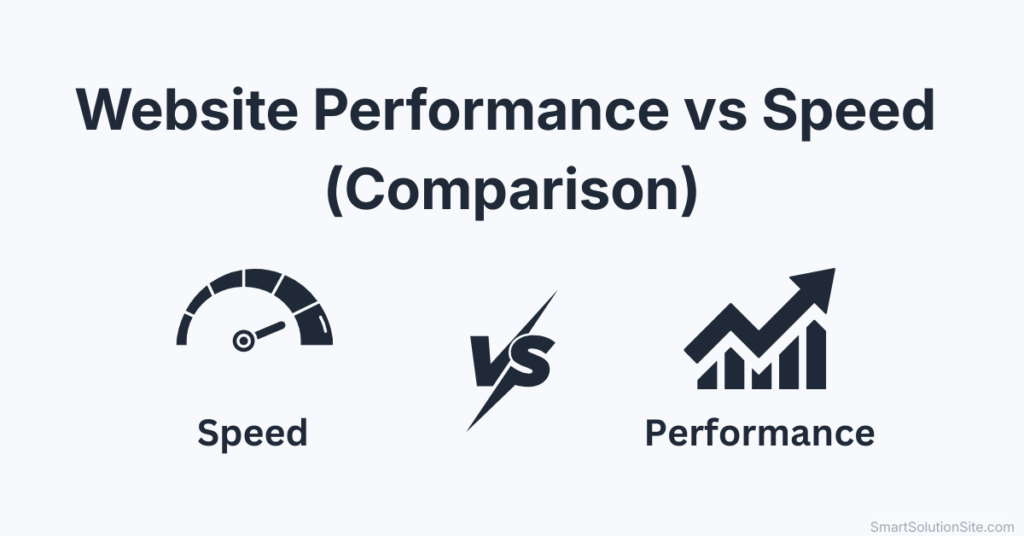
Many people confuse these two.
- Website speed = how fast pages load
- Website performance = how well the website behaves before, during, and after loading
Performance includes:
- Load timing
- Visual stability
- Interactivity delay
- Resource efficiency
- Server response quality
This is why Google introduced Core Web Vitals, not “page speed score.”
👉 For a deep dive, see:
Core Web Vitals Explained – LCP, CLS, INP
Why Website Performance Matters (More Than Ever)
1️⃣ Google Rankings
Google officially uses performance signals as ranking factors.
Poor performance leads to:
- Lower rankings
- Reduced crawl efficiency
- Indexing delays
Learn how indexing is affected here:
How Google Indexing Really Works
2️⃣ User Experience (UX)
Users expect:
- Visible content in under 2 seconds
- Interaction without delay
- No layout jumps
Even a 0.5 second delay can significantly reduce engagement.
3️⃣ Conversions & Revenue
Performance directly impacts:
- Bounce rate
- Time on site
- Form completions
- Sales
Amazon once reported that every 100ms delay cost millions in revenue.
Core Elements of Website Performance
1️⃣ Server Response Time (TTFB)
This is how fast your server responds after a request.
Affected by:
- Hosting quality
- Server location
- Backend efficiency
- Caching
👉 Hosting plays a major role:
How Web Hosting Affects Website Speed
2️⃣ Loading Performance (LCP)
Largest Contentful Paint measures:
- When the main content becomes visible
A slow LCP usually means:
- Heavy images
- Render-blocking CSS
- Slow servers
👉 Learn image optimization properly:
Image Optimization Guide
3️⃣ Interactivity (INP)
Interaction to Next Paint (INP) measures:
- How fast your site responds to clicks, taps, typing
Poor INP is often caused by:
- Heavy JavaScript
- Poor JS execution order
- Too many third-party scripts
👉 Fix JS issues here:
Remove Unused CSS & JavaScript
4️⃣ Visual Stability (CLS)
Cumulative Layout Shift measures:
- Unexpected movement of page elements
Common causes:
- Images without dimensions
- Ads loading late
- Font swaps
How Website Performance Actually Works (Behind the Scenes)
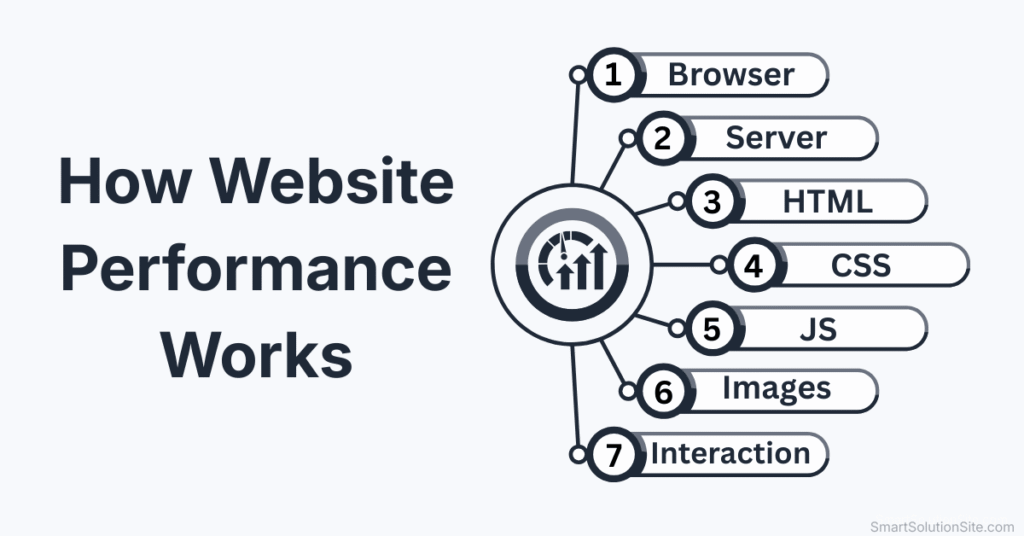
When a user opens your website:
- Browser requests files from server
- Server processes request
- HTML is received
- CSS blocks rendering
- JavaScript executes
- Images load
- Fonts render
- Layout stabilizes
- Page becomes interactive
Each step can slow performance if not optimized.
👉 Understand this flow in detail:
How Websites Work – From Request to Render
Website Performance Metrics That Matter
Forget vanity scores. Focus on real metrics:
- LCP (Largest Contentful Paint)
- INP (Interaction to Next Paint)
- CLS (Cumulative Layout Shift)
- TTFB (Time to First Byte)
- Fully Loaded Time
Google evaluates real user data, not lab-only tests.
Tools to Measure Website Performance
Recommended Tools
- Google PageSpeed Insights
- Lighthouse (Chrome DevTools)
- WebPageTest
- Chrome UX Report (CrUX)
👉 Tool comparison here:
Best SEO & Performance Tools
Common Website Performance Myths (Avoid These)
❌ “Green score means fast site”
❌ “Just install a caching plugin”
❌ “More plugins always slow WordPress”
❌ “CDN fixes everything”
Reality:
- Performance requires system-level optimization
- Plugins, hosting, themes, and content all matter
Website Performance in WordPress (Reality Check)
WordPress can be extremely fast if configured correctly.
Performance depends on:
- Theme quality
- Plugin discipline
- Database health
- Hosting stack
- Caching strategy
👉 Start here:
WordPress Speed Optimization Guide
Performance Optimization Is a Process, Not a One-Time Fix
True website performance requires:
- Continuous monitoring
- Regular audits
- Updating optimization methods
- Aligning with Google updates
👉 Full process explained in the pillar guide:
Website Speed Optimization – Complete Practical Guide
Final Thoughts: Performance is Authority
A high-performing website:
- Builds trust
- Ranks better
- Converts more
- Scales easier
If speed is the engine, performance is the entire vehicle.
Q1: What is website performance?
Website performance refers to how fast, stable, and responsive a website is for users, including loading speed, interactivity, and visual stability.
Q2: Is website performance the same as website speed?
No. Website speed is only one part of performance. Performance also includes responsiveness, layout stability, and efficient resource loading.
Q3: Why is website performance important for SEO?
Google uses performance metrics like Core Web Vitals as ranking signals. Poor performance can reduce rankings, traffic, and conversions.
Q4: What metrics measure website performance?
Key metrics include LCP, INP, CLS, TTFB, and fully loaded time, all of which reflect real user experience.
Q5: Can WordPress websites have good performance?
Yes. With proper hosting, themes, caching, and optimization, WordPress sites can achieve excellent performance scores and rankings.