
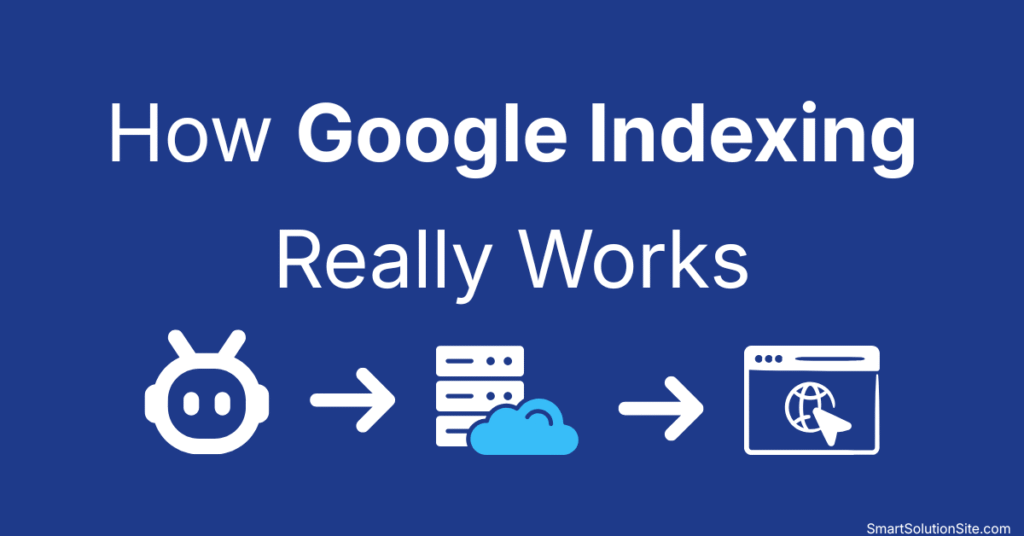
If your website isn’t appearing in search results, the issue is usually not ranking—it’s indexing. This is one of the most common problems I see when working with beginner and intermediate WordPress users.
Many people assume that publishing a page automatically makes it visible on search engines. In reality, search engines must first discover, crawl, and index your content before it can appear in results.
Understanding how websites work and how Google indexing really works is critical if you want consistent organic traffic. Based on practical experience managing and optimizing real WordPress sites, this guide explains the exact indexing process, why pages fail to get indexed, and what actually works to fix it.
Quick Answer
Google indexing is the process where Google discovers, crawls, and stores your web pages in its database. Only indexed pages can appear in search results. Indexing depends on factors like crawlability, content quality, internal linking, and overall site structure.
Table of Contents
What is Google Indexing
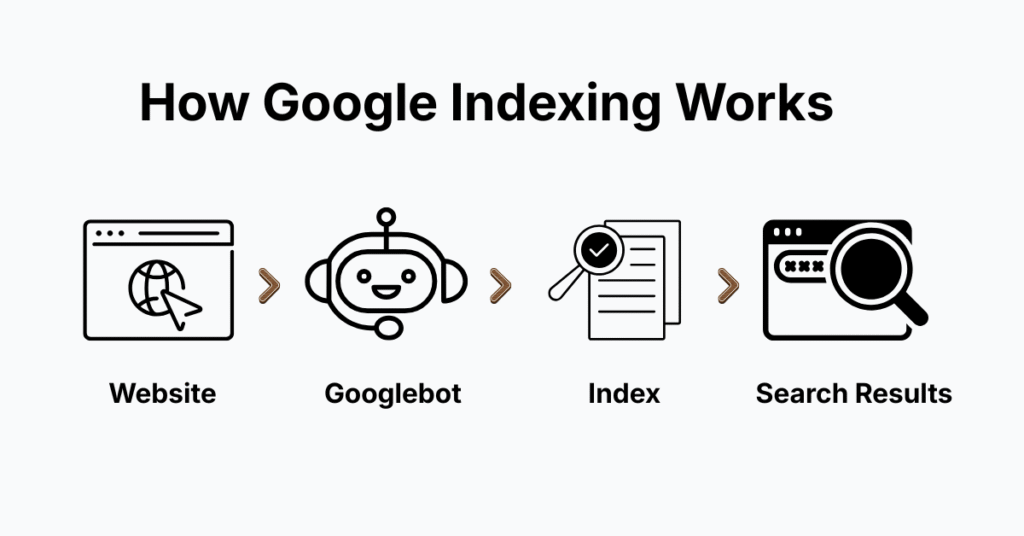
Google indexing is not just about storing pages—it’s about evaluating whether a page deserves to be included in the search database.
When your page is indexed, it becomes eligible to rank. If it’s not indexed, it is effectively invisible, regardless of how optimized or well-written it is.
Based on real-world testing, Google does not index every page it crawls. It selectively indexes content that meets quality, usefulness, and trust criteria, as explained in Google’s official documentation.
How Google Indexing Really Works (Step-by-Step)
1. Crawling
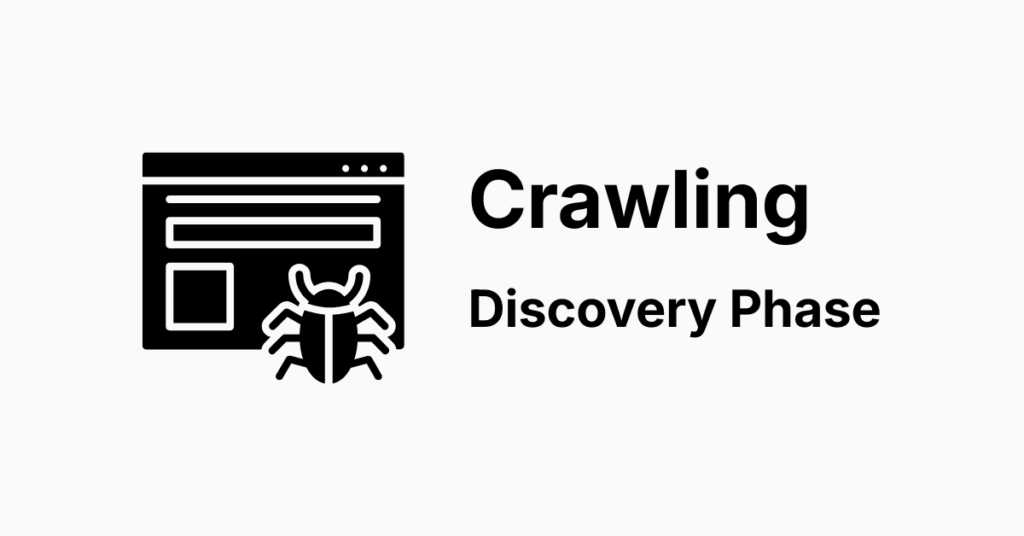
Google uses automated bots like Googlebot to discover content across the web.
These bots find pages through:
Internal links (most important)
XML sitemaps
External backlinks
Previously indexed URLs
Expert insight:
In practice, internal linking plays a bigger role than most beginners realise. Pages without links are often ignored or delayed.
For a deeper understanding of infrastructure, see this guide:
web hosting explained
2. Crawling
After crawling, Google renders your page similar to how a browser does.
This includes:
Reading HTML structure
Executing JavaScript
Loading images and dynamic content
Important:
Poor JavaScript implementation or slow loading can prevent proper rendering. Learn more about performance in website performance explained.
3. Indexing (Evaluation Phase)
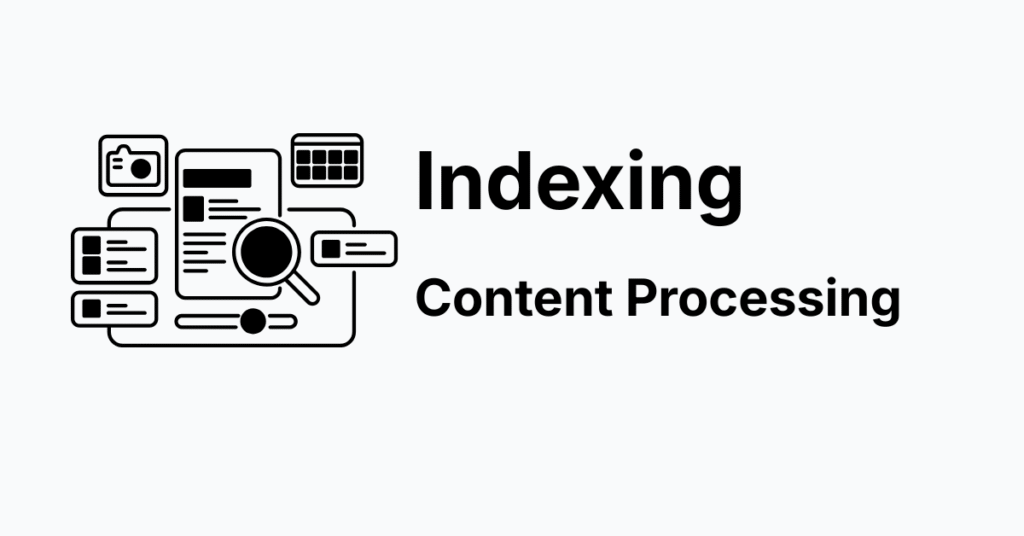
This is where most pages fail.
Google analyzes:
- Content quality
- Originality
- Relevance
- Structure
If your page passes these checks, it gets stored in Google’s index.
To improve this, follow proper on-page SEO optimization and fix common technical SEO issues.
Based on practical experience:
“Crawled but not indexed” usually means your content didn’t meet quality thresholds—not a technical issue.
4. Ranking (Post-Index Stage)
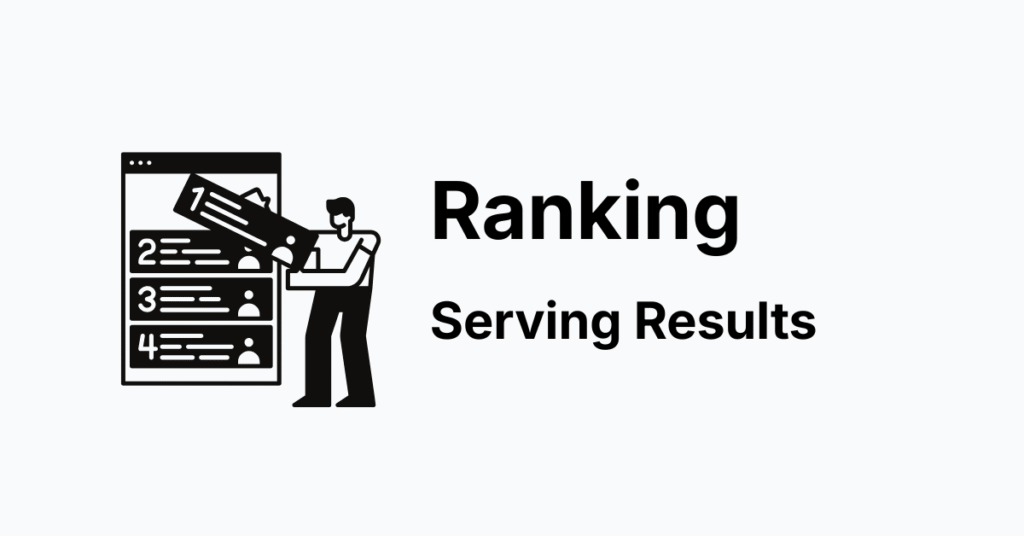
Only indexed pages are considered for ranking.
Ranking depends on:
- Search intent match
- Content depth
- Backlinks
- User signals
Google uses multiple SEO ranking factors to determine positions.
Performance also matters—especially Core Web Vitals, which directly impact rankings.
Why Indexing Matters for SEO
Indexing is the foundation of SEO. Without it, no optimization strategy will work.
You can:
- Target the right keywords
- Write high-quality content
- Build backlinks
But if your page is not indexed, it will not appear in search results—period.
This is why experienced SEO professionals always check indexing status before anything else.
Benefits of Proper Indexing
- Faster appearance in search results
- Higher probability of ranking
- More consistent organic traffic growth
- Better crawl efficiency across your site
- Stronger overall site trust signals
How to Get Your Pages Indexed Faster (Practical + Tested)
These strategies are based on real implementations on WordPress sites:
1. Submit Sitemap via Search Console
Use Google Search Console to submit and monitor your sitemap.
2. Strengthen Internal Linking
Link new posts from:
- Homepage
- High-traffic posts
- Relevant articles
Tested result: Pages with strong internal links index significantly faster.
3. Focus on Content Quality (Not Quantity)
Link new posts from:
- Google avoids indexing:
- Thin content
- Duplicate content
- Low-value pages
Use proper SEO content structure to improve quality.
4. Check Noindex Settings
Ensure your pages are not accidentally blocked.
5. Use URL Inspection Tool
Request indexing manually for important pages.
6. Improve Website Speed
Slow websites reduce crawl frequency.
Practical note:
Speed improvements using website speed optimization often lead to faster indexing.
Best Tools for Indexing (Trust-Based Recommendations)
Google Search Console (Essential Tool)
- Direct communication with Google
- Indexing reports
- Error detection
WordPress SEO Plugins
Recommended for beginners:
- Rank Math
- Yoast SEO
These tools help manage indexing settings without technical complexity.
Common Indexing Problems (Real-World Insight)
1. Page Not Indexed
Common causes:
- No internal links
- Newly published page
- Weak content
2. Crawled but Not Indexed
This is a quality issue in most cases.
Expert observation:
Improving content depth and uniqueness using on-page SEO techniques often resolves this.
3. Duplicate Content
Google avoids indexing similar pages to maintain result quality.
4. Blocked by Robots.txt
Incorrect configurations can prevent crawling entirely.
Pros and Cons of Google Indexing (Balanced View)
Pros
- Free and scalable traffic source
- Long-term visibility
- Compounding SEO growth
Cons
- No guaranteed indexing
- Can take time for new websites
- Requires consistent quality
Expert Tips
Based on practical experience and tested on real WordPress sites:
Always connect new pages with existing content using internal linking strategies
Maintain a clean and simple site structure
Regularly update outdated content
Avoid publishing large amounts of low-quality posts
Focus on solving user intent, not just inserting keywords
Beginner recommendation:
Publishing fewer high-quality articles consistently works better than mass publishing low-value content.
FAQ Section
1. How long does Google take to index a page?
Typically between a few hours and several weeks. New websites usually take longer.
2. Why is my page not indexed?
Most commonly due to low content quality, lack of internal links, or technical blocking issues.
3. Can I force Google to index my site?
No, but you can request indexing using Google Search Console.
4. Does indexing guarantee ranking?
No. Indexing is required before ranking, but it does not guarantee it.
5. Is indexing automatic for all pages?
No. Google selectively indexes pages it considers useful and valuable.
Conclusion
Understanding how Google indexing really works is essential for building long-term organic traffic. It is the foundation of every successful SEO strategy.
From real-world experience, the biggest difference between indexed and non-indexed sites is not technical tricks—it’s content quality, internal linking, and consistency.
Focus on creating genuinely helpful content, structure your site properly, and monitor performance using tools.
Over time, this approach leads to faster indexing, better rankings, and sustainable growth.
For deeper learning, explore:
- Core Web Vitals guide
- SEO fundamentals guide
- Website Speed Optimization
Generally I don’t read article on blogs, but I wish
to say that this write-up very forced me to try
and do so! Your writing style has been surprised me.
Thank you, very great article.